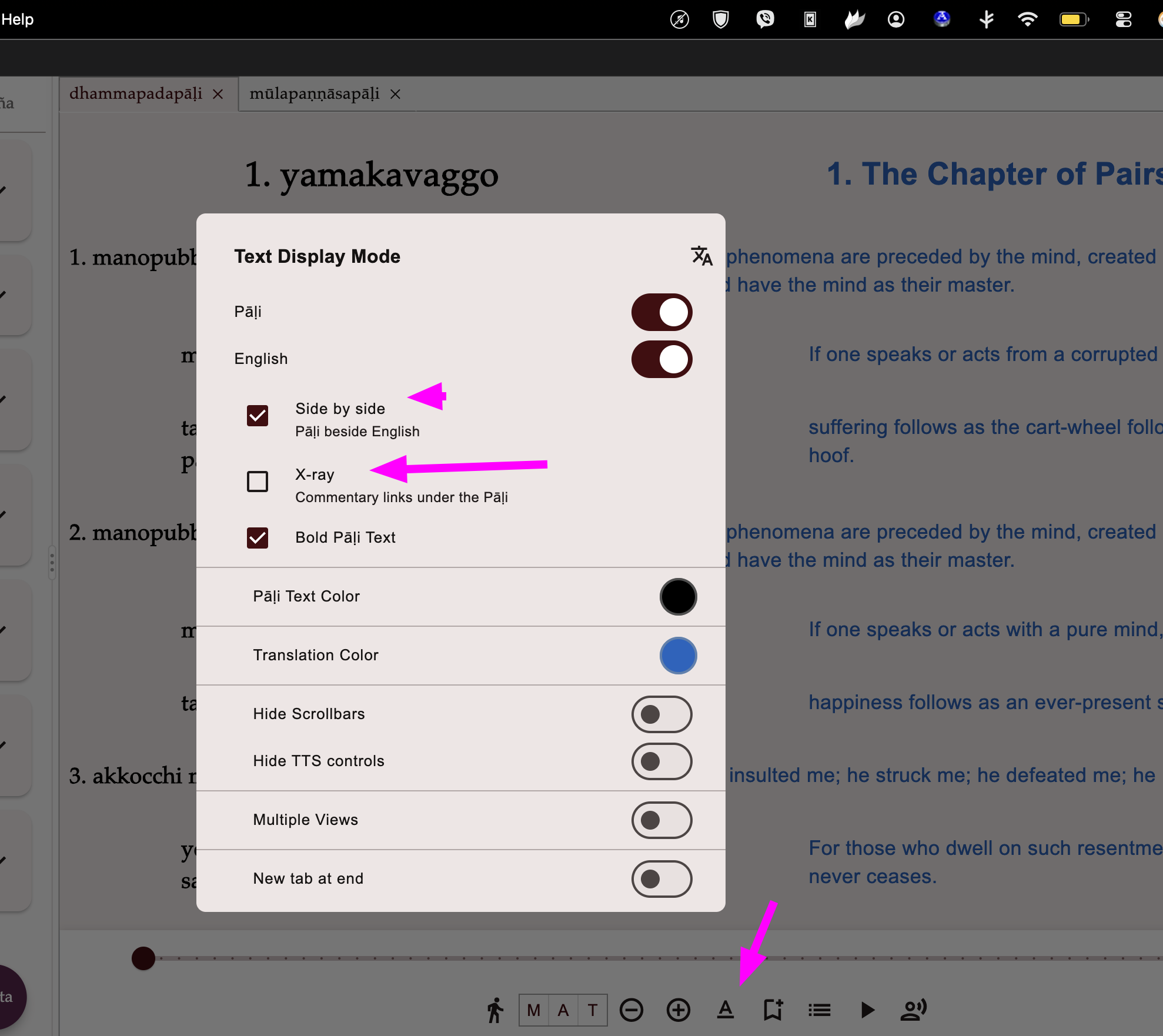
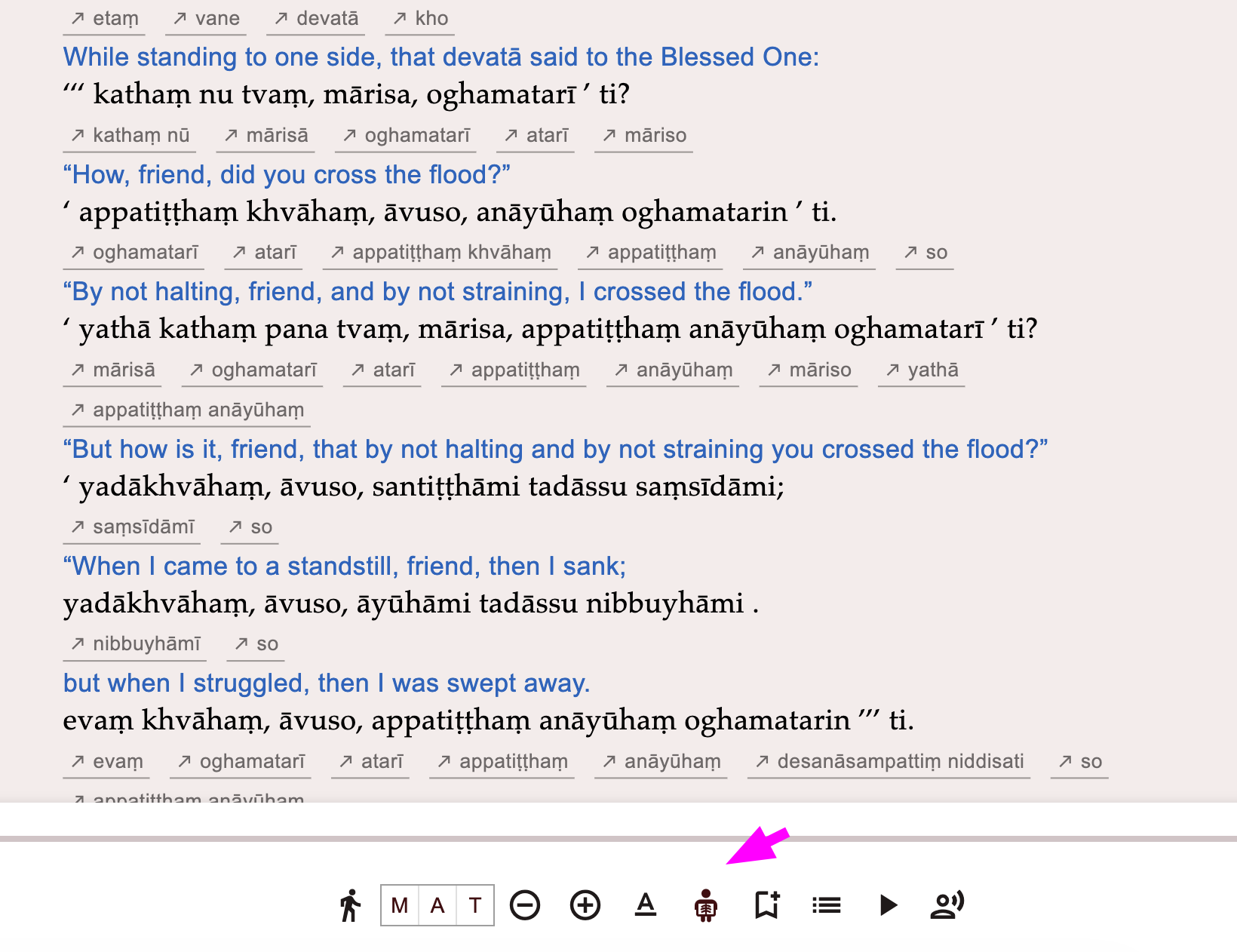
Tipitaka Pali Reader now has X-Ray View which is modeled based on the default epitaka view. Because we use epitaka data directly, now many things have improved and we can also add the same features with ease.
Below you will see “chips” that have the commentary words listed for the line you read.
If you click on the chip, it will display the commentary definition. This should help give convenient access to the commentaries and subcommentaries.
The quick-icon on the bottom is not yet released, but the feature itself is released on Android and Windows and Linux. Apple MacOS and iOS will be released after the store approves it.
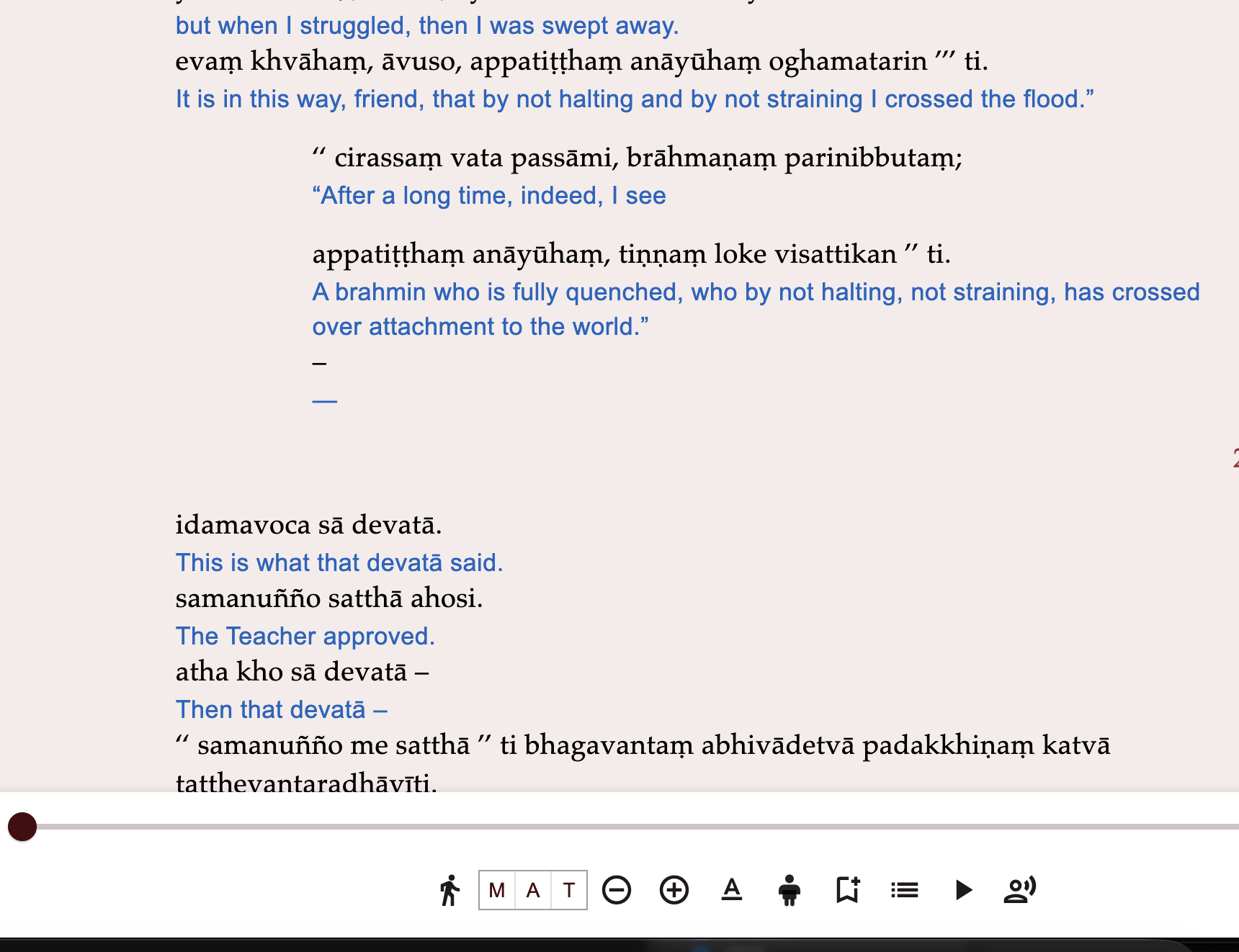
Below is an on and off view. You can access the setting in the quick view settings.